Your company'soperating system.
The company operating system that brings people, projects, time tracking, and customer relationships into one connected workspace.
- 3 modules live today
- 8 modules in scope
- 1 workspace, every module


Illustrative screens, not live screenshots.
Built for teams
juggling too many systems.
Agencies, professional services firms, and early-stage teams standing up their stack all end up stitching together a PM tool, a CRM, and a wiki that don't share data. NAVICORE ONEis built so they don't have to.
Agencies & consultancies
Run client work as projects and track the pipeline that fills your next quarter, in one place.
Professional services firms
Companies and contacts stay linked to the projects you're actually delivering for them.
Early-stage teams
Start with the modules you need today and grow into finance, automation, and analytics later.
Not six tools. One login.
Here's what happens to a single deal as it moves through the platform — the same record, the same workspace, no exports and re-imports between tools.
A deal closes in CRM & Sales
The pipeline stage moves to Won — the company and contact records are already in the system.
Work Management picks it up
A project gets created for the new client, ready for tasks and a Kanban board on day one.
Knowledge & Documents holds the context
Contracts, onboarding docs, and notes live in the same workspace as the work itself — searchable, not emailed around. (API ready; not yet live.)
Analytics rolls it up
Pipeline value, project load, and team capacity read from the same data — no separate spreadsheet to keep in sync. (Planned.)
Meet Work Management
The module your team lives in day to day — projects, Kanban boards, comments, and time tracking, live today, not on a roadmap slide.
Kanban boards per project
Drag tasks across the status columns your team already agreed on.
Comments and activity history
Every task keeps its own thread — nothing gets lost in chat.
Time tracking on real work
Log time against the task it belongs to, not a spreadsheet.
Goals tied to the board
OKRs sit next to the tasks that actually move them.
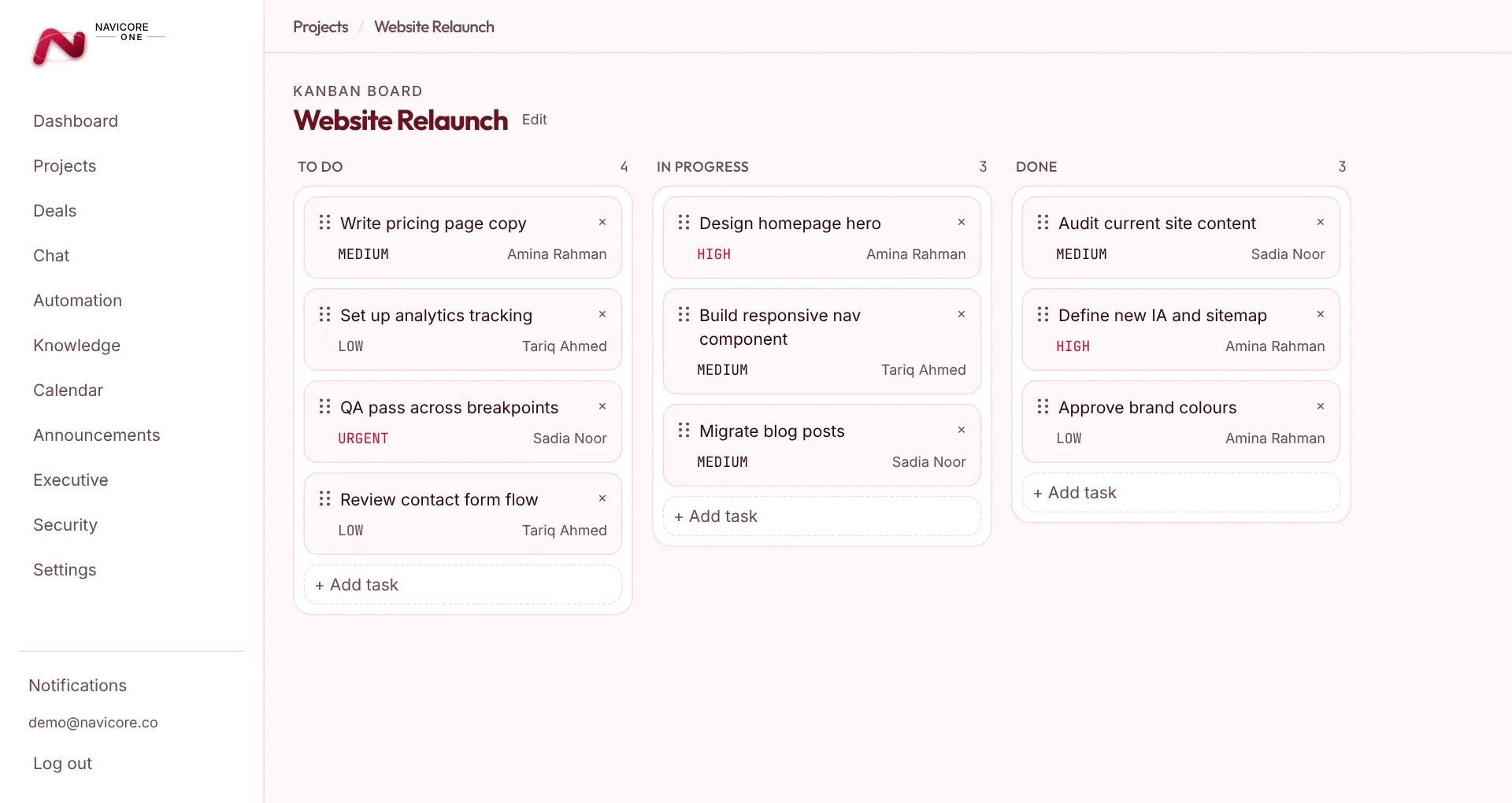
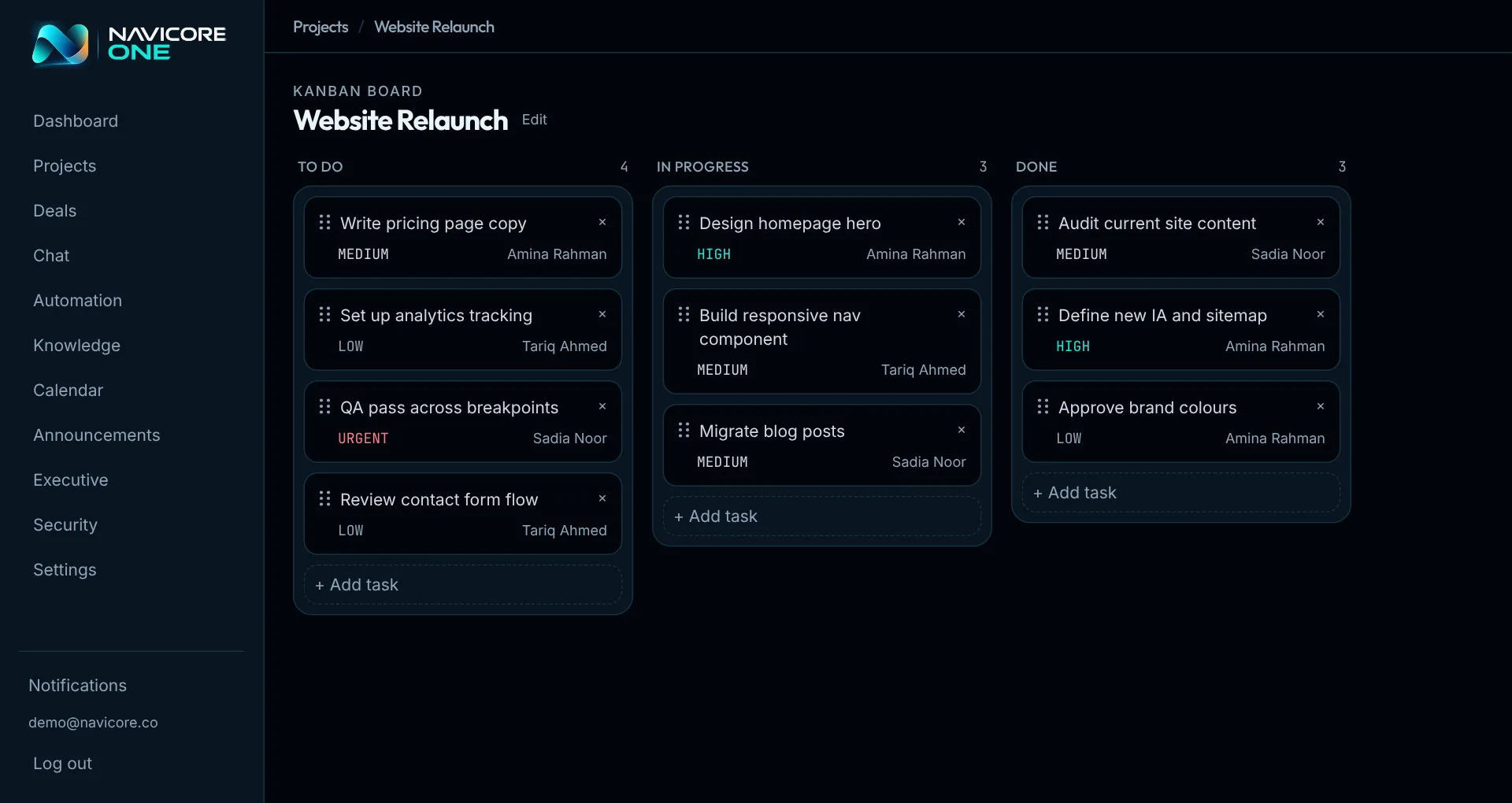
Demo workspace, sample data.
Every module, one standard.
Core Platform, Work Management, and CRM & Sales are live today; the rest are on a stated roadmap. We label each one plainly rather than let a feature grid imply otherwise.
Core Platform
Organizations, workspaces, teams, and the permission system every other module builds on.
Work Management
Projects, Kanban boards, and the day-to-day work your team actually does.
CRM & Sales
Companies, contacts, and a pipeline that turns conversations into revenue.
Knowledge & Documents
A file manager, versioned documents, and a wiki — searchable, not siloed.
Finance & Billing
Invoicing, expenses, budgets, and financial reporting for your business.
Automation & Integrations
Triggers, conditions, and actions that connect your modules without custom code.
Collaboration
Internal chat and channels, so context stays next to the work, not in a separate app.
Analytics & AI
Dashboards, forecasts, and an AI assistant that works across everything above.
Getting Started
Sign Up
Any company, any domain. Confirm your email with a one-time code and set your own password — no sales call required to start.
Configure
Create your organization, invite your team, and grant module access per person — new teammates see only what you give them.
Run On It
People, projects, time tracking, and customers — live in the same workspace instead of six subscriptions that don't talk to each other.
Built to last.
Trusted for years.
Tenant isolation, encryption, and audit logging aren't features you toggle on later — they're enforced the same way in every module, from day one. Every product we ship has to still make sense decades from now.
Real tenant isolation
Enforced at the query layer, not the UI.
Fine-grained permissions
Per-workspace roles and per-module access grants.
Encryption in transit & at rest
Standard across every module, not opt-in.
Audit logs on privileged actions
Every sensitive change is traceable.
Let's Talk.
Rolling this out across a whole company? Tell us a bit about your team and we'll get back to you directly — no ticket queue, no automated reply.